Controls work the same way for everyone, however they navigate.
Quiz 3 · Question 2
Keyboard ready
Which chamber pumps oxygen-rich blood out to the body?
Right atrium
Left ventricle
Space
Right ventricle
Left atrium
1
Keyboard and screen reader support
Reading Assistant actions, quiz controls and dialogs can be used without a mouse, with logical focus order and no keyboard traps.
2
Comfortable at any zoom
Text resizes to 200% and pages reflow at 400% zoom without losing content, with contrast checked for text and controls.
3
Predictable, low-pressure design
Navigation stays consistent, errors explain how to fix them, and workflows don’t impose time limits users can’t extend.
Audio and video come with alternatives, and nothing plays until you choose.
1
Synchronized transcripts
The podcast player shows a transcript below the audio that advances as it plays.
2
Captions and audio description
Embedded YouTube videos use the native player, which shows captions and offers an audio description track when the video owner supplies them.
3
No surprise audio
Audio never starts automatically and can always be paused or stopped.
Podcast · Chapter 4
0:12 / 0:24
Transcript
Synced
0:00
Welcome back to Chapter 4: learning with AI in the classroom.
0:04
Last time, we looked at how instructors set goals for each reading.
0:08
Today’s question is simple: who decides how fast students move?
0:12
AI can support learning when students stay in control of the pace.
0:16
That means pausing, replaying and reading along whenever they need to.
0:20
And every reading offers more than one way in: text, audio or video.
Accessibility prompts appear while you build, so it isn’t an afterthought.
Add image
Alternative text
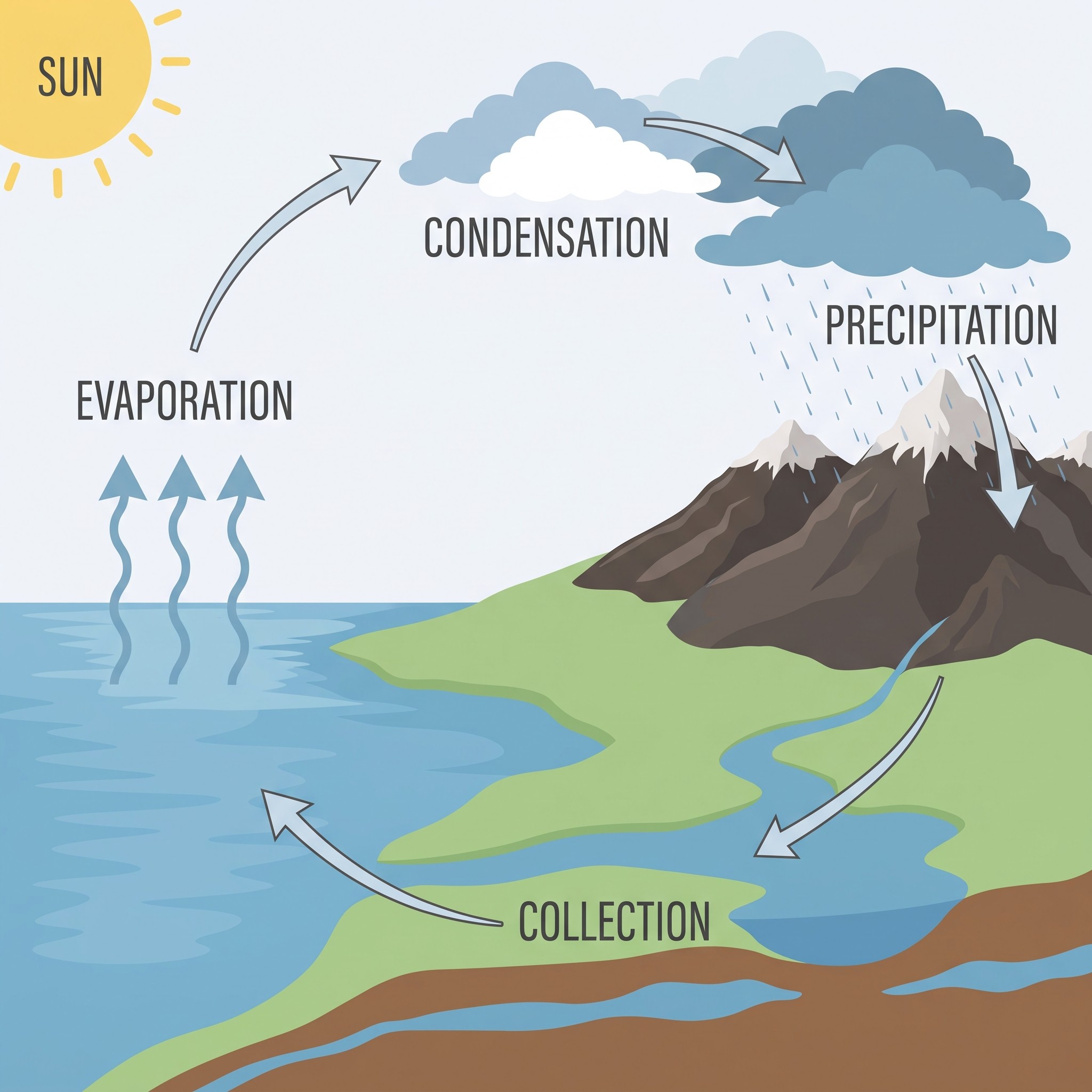
Water cycle diagram showing evaporation, condensation, precipitation and collection
Required
or mark as decorative
1
Alt text built in
Authors must describe an image or mark it as decorative before moving on.
2
Guidance at the moment it matters
The authoring interface offers repair assistance, including help when adding YouTube links.
3
Instructional design support
Every classroom is assigned an instructional designer to help set up courses and assignments for success.
Edvisor.ai · Courses Module
Accessibility documentation
Request accessibility documentation
Reviewing Edvisor for your institution? We’ll send our latest documentation to your procurement or accessibility team
WCAG 2.2 AA
Section 508
EN 301 549
Checked by experts
Independent testing by third-party auditors
Something not working for you?
Report an accessibility issue
Your report goes straight to the people who can fix it
Tell us what happened
Text-based support
Reach us by email or live chat.
Explore the product
See how readings, grading and assessments wor
View product
Is Edvisor compliant with WCAG and Section 508 standards?
An independent evaluation of the Courses Module (Instructor and Student roles) tested against WCAG 2.2 Level A and AA, Revised Section 508 and EN 301 549. After remediation and retesting, Edvisor met the Level A and AA criteria that apply to it. Results cover the evaluated scope only and aren’t a legal certification or warranty.
How was Edvisor tested?
Do videos have captions and audio descriptions?
Can instructors still publish content that isn’t accessible?
How can I get help or give feedback?
Does this page cover everything on Edvisor?